Stocks
Trade over 8,000 stocks and set up savings plans for 4,500 stocks from all the world’s major indices.

New: 6-month Fixed-term with 2.75% p.a.*
Your finances in your own hands: with savings plans starting from €1. Now also for the whole family.
Investing involves target="_blank">risks.


Empower your child’s financial future, from just €1.
Pocket
Money on top.
Trade over 8,000 stocks and set up savings plans for 4,500 stocks from all the world’s major indices.
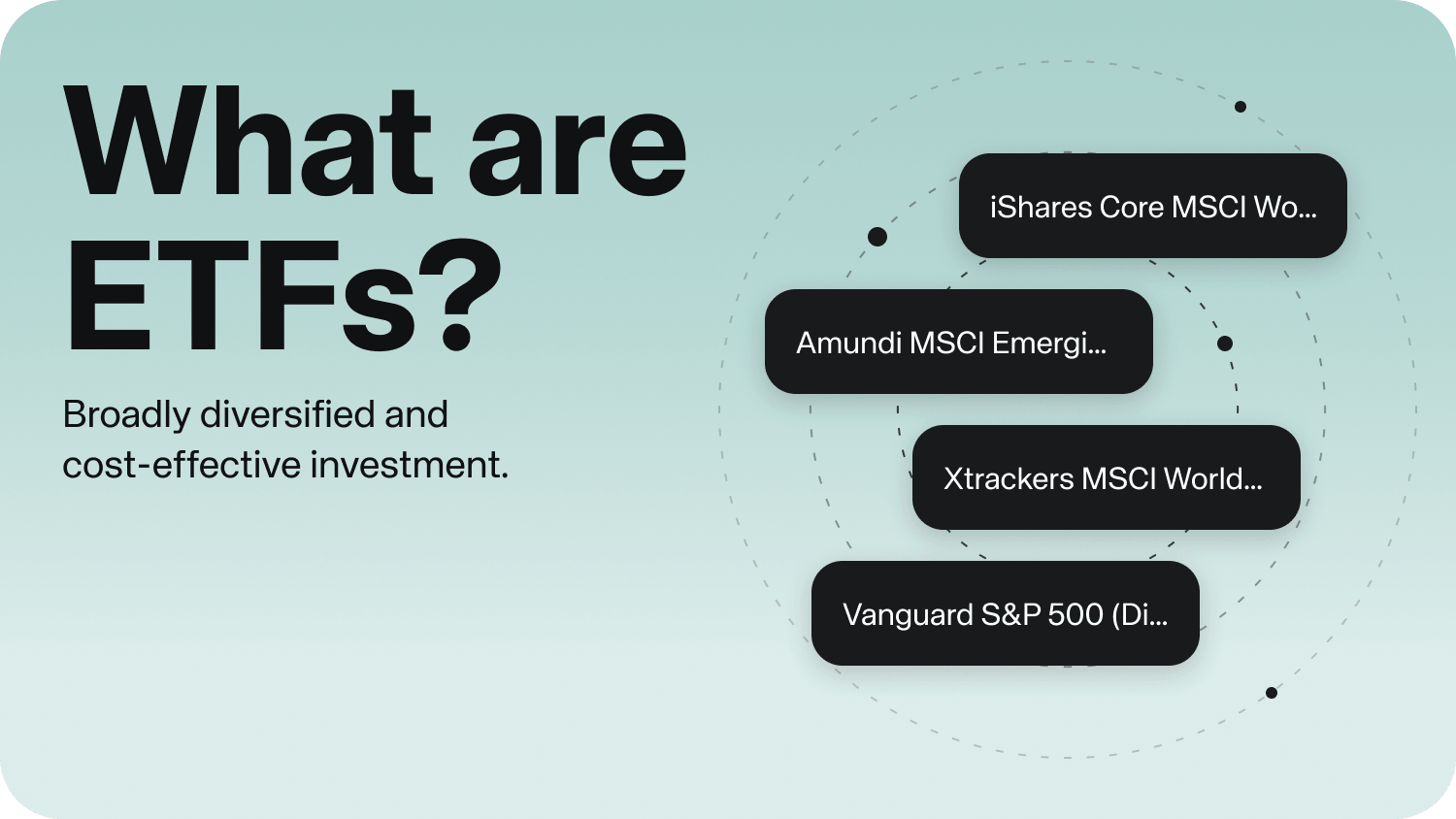
Trade more than 2,700 ETFs from all available providers.
Trade fixed-income securities and profit from interest rates.
Trade over 3,800 funds permanently without an issue surcharge.
Trade Bitcoin, Ethereum and other cryptocurrencies through ETPs.
Simply invest in commodities and precious metals or set up savings plans from €1.
Implement your market perspective with over 1.8 million derivatives.
Trade different currency pairs.
Simply invest in private markets with ELTIFs.
Reach your long-term goals: invest continuously in ETFs, stocks, crypto and funds starting from €1.

|
Popular |
||
|---|---|---|
|
FREE |
PRIME+ |
|
|
Commission1 |
€0.99 / trade |
€0.00 / trade |
|
Cash distribution |
Meridian, partner banks and |
Meridian and partner banks |
|
Crypto ETPs |
0.99% spread |
0.69% spread |
|
Credit |
4.75% p.a. |
3.75% p.a. |
|
Advanced features (Portfolio analysis, price alerts and more) |
Limited |
Full version |
|
Overnight account |
2.60% interest p.a.* |
2.60% interest p.a.* |
1 PRIME+ Broker: €0 for trades of €250 or more, otherwise €0.99. FREE Broker: €0 for purchases of PRIME ETFs (all Amundi, iShares, Vanguard, Xtrackers ETFs) of €250 or more, otherwise €0.99. All broker models: €0 for savings plan executions. Crypto fees, product costs, spreads and/or inducements may apply. Learn more.

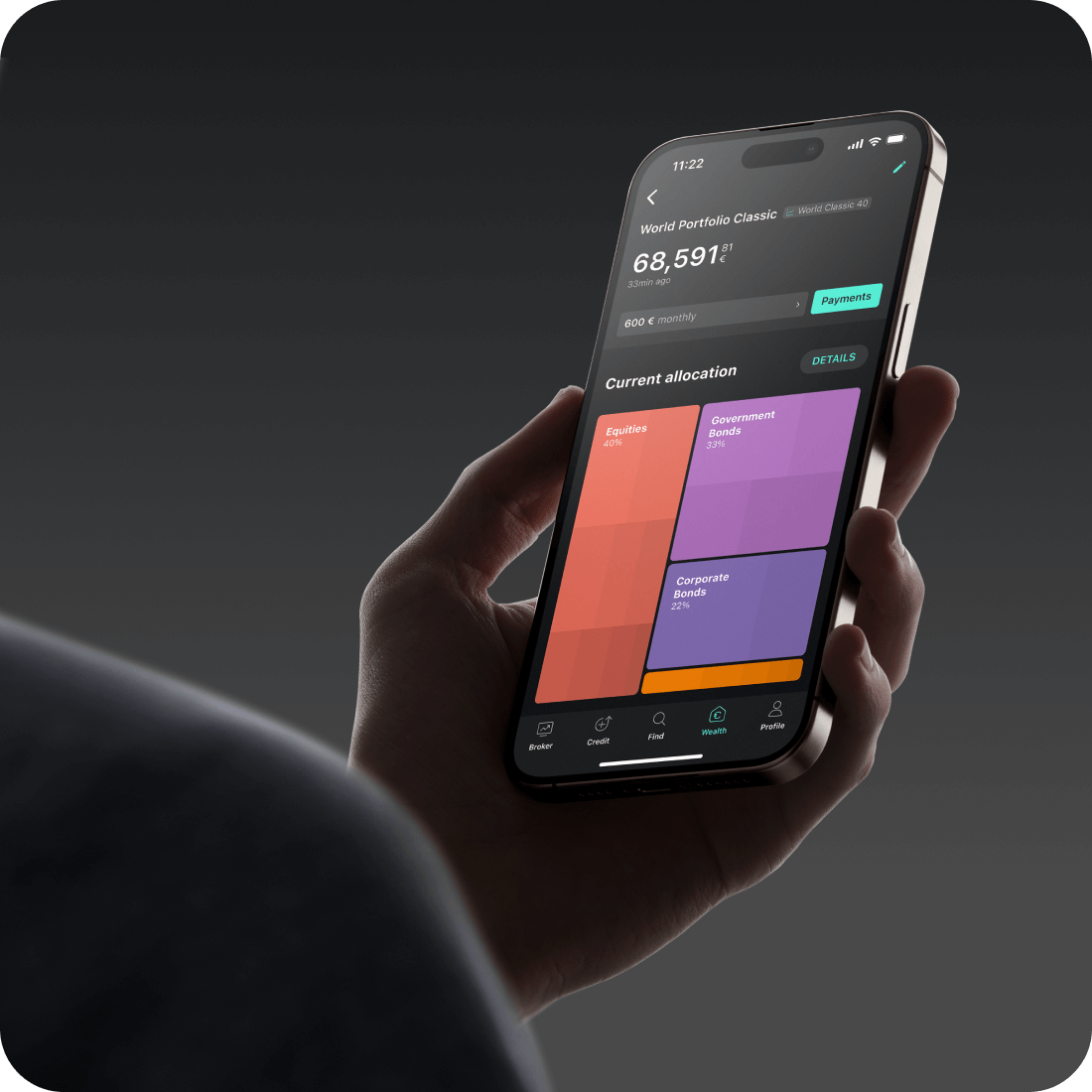
With Meridian Wealth, we do the investing for you. Invest simply, automatically and cost-effectively.
You are welcome to transfer your portfolio to Meridian Broker. You can find all information here .
To do this, log in to the Meridian app or on the web and authorise the securities account transfer digitally under Profile > Products > Securities transfer. After the securities transfer has been submitted, you can check the status of the transfer here.
If you have any questions about the status, please contact your source bank as soon as the status "Source bank has received the instruction" has been reached. The name and BIC of the source bank will be displayed in the detailed view.
Securities account transfers initiated by your house bank cannot be accepted. Please note that it may take several weeks until the entire process of the transfer is complete.
No. To start investing you only need to verify your reference account. This can be done by transferring a minimum of €1 to your Meridian account.
Cash balances in PRIME+ are held among Meridian Bank and multiple partner banks. When distributing cash, we also consider the amount held by Meridian at the respective bank, the statutory deposit protection of €100,000 per customer and bank, and any additional protection schemes. We distribute all other cash balances across partner banks and qualified money market funds in addition to Meridian Bank. These rules for cash distribution can be changed without notice.
We exercise the necessary care and diligence when selecting, commissioning and regularly monitoring partner banks and qualifying money market funds. As part of our due diligence, we continuously review the need for allocation to various partner banks and/or qualifying money market funds. In doing so, we take into account the available capacities at the partner banks, the respective conditions of the partner banks and qualifying money market funds, your deposits and withdrawals, your trading activity as well as taxes and fees. This means that you can carry out all transactions regardless of how your cash is distributed. The distribution of your cash balance can vary accordingly and is not subject to a fixed ratio. This can also mean that your cash balance is only held at a partner bank or only at a qualifying money market fund.
You can view the distribution of the cash balances in your Meridian account in the monthly account statement and at any time in your app or on the web.
Please note our risk information on the safekeeping of cash balances.
The registration is completed online and only takes a few minutes. Registration via iOS or Android mobile app is also possible. You then identify yourself using the POSTIDENT identification procedure of our partner Deutsche Post (this step is not necessary for you if you already use our wealth management service).
As soon as your account has been opened and the initial deposit has been made, you can start trading.
Orders can be placed on the European Investor Exchange, gettex (Munich stock exchange), or Xetra (Deutsche Boerse).
Trading as well as the placement and cancellation of orders is usually possible Monday to Friday (except for holidays of the respective exchanges) during the following hours:
|
Trading at Meridian |
Order placement (outside trading hours) |
|
|---|---|---|
|
European Investor Exchange (Hanover stock exchange) |
Mo - Fr: 06:00 - 23:00 |
Mo - Fr: 05:30 -
02:30 |
|
gettex (Munich stock exchange) |
Mo - Fr: 07:30 - 23:00 |
Mo - Fr: 06:30 - 23:00 |
|
Xetra (Deutsche Boerse) |
Mo - Fr: 09:00 - 17:30 |
Mo - Fr: 08:00 - 23:00 |
Order cancellation is only possible during trading hours.
Stop and limit orders created outside of trading hours will be executed at the next available time during trading hours. Market orders are generally valid only for the day on which they are created. If they are created on a trading day before the stock exchange opens, they will be executed at the next available time during trading hours. Market orders placed after the close of trading will expire at the end of the day.
Please note that there may be different trading hours for certain derivatives. Further information can be found in the 'Key Investor Information' and on the issuers' websites.
You can trade the following instruments:
You cannot buy fractions directly. However, with all savings plans we also buy fractions of ETFs for you so that your savings amount can be fully invested. As long as your savings plan is active, these fractions are repeatedly combined to form whole number securities.
If you want to sell a security that has been saved and therefore contains fractions, you can of course also sell the resulting fractions again. Please note that no individual fractions can be sold, but rather the entire position must be sold.
Limit order: With this order, a limit price can be defined. The order will only be executed at this predefined price or better. This way, you can protect yourself against sudden price jumps. Due to the limit, there is a possibility that the order can be executed partially or not at all. The limit order is valid for 360 days. During this period, it can be cancelled at any time, provided that not all ordered items have been executed.
Stop order: With this order, a stop price can be defined. When the stop price is reached, your order will be activated as a market order and executed at the best possible price during trading hours. Under certain circumstances, this price can deviate significantly from the stop price due to price jumps. It may happen that the order is never activated and therefore not executed.
The stop order is valid for 360 days. During this period, it can be cancelled at any time, provided that not all ordered items have been executed.
Stop limit order: As a combination of the two preceding order types, with this order both a limit and a stop price are specified. When the stop price is reached, your order will be activated as a limit order and then executed only at the limit price or better. This way, you can protect yourself against sudden price jumps. On the other hand, it may happen that the order can only be partially executed or not at all. The stop limit order is valid for 360 days. During this period, it can be cancelled at any time, provided that not all ordered items have been executed.
Please note: If you enter both a stop and a limit price in the order screen, this does not constitute an OCO order. The Meridian Broker does not currently offer a One-Cancels-the-Other ("OCO") order.
Market order: This is only offered for sell orders. For buy orders for which no limit price is defined (see above), a security limit is automatically set (max. 5 % above the last ask price). This protects you against significant price jumps when buying.
Sell orders can also be placed as market orders. In this case, the order is executed at the next possible price during trading hours. Due to price jumps, this may differ significantly from the last price at the time the order was placed. The market order is only valid for the trading day on which it was placed.
Directly after a security purchase, you can also create automatic orders with which you can realise potential profits or limit losses:
Take-profit order: The take-profit order can be created directly after a security purchase. It is a limit order where you set a price above the buy price at which a security is automatically sold. The aim is to realise potential profits before the price falls again.
Stop-loss order: A stop-loss order can be created after a security has been bought. With a stop-loss order, you set a price below the purchase price, which may be reached or fallen below at the maximum. If this occurs, a sell order is triggered. With a stop-loss order, you can determine the maximum loss you can make with a security. This allows you to limit the risk of larger losses to a certain degree.
To adjust a savings plan, click
on “Savings Plans” and select the desired
savings plan from the overview. If you are in
the app, you will find the overview via the
selection menu to the right of "Portfolio".
Alternatively, you can also search for the
relevant security directly. Click on it and the
savings plan will be displayed at the top right.
In the app, you will find it below the "Buy" and
"Sell" buttons.
Change your desired amount, execution date, frequency and inflation adjustment and click on "Set up savings plan" to confirm.
To adjust the execution date and
frequency of a savings plan, click
on “Savings Plans” and select the desired
savings plan from the overview. If you are in
the app, you will find the overview via the
selection menu to the right of "Portfolio".
Alternatively, you can also search for the
relevant security directly. Click on it and the
savings plan will be displayed at the top right.
In the app, you will find it below the "Buy" and
"Sell" buttons.
Change the execution date and frequency, and click on "Set up savings plan" to confirm.
To suspend a savings plan, click
on “Savings Plans” and select the desired
savings plan from the overview. If you are in
the app, you will find the overview via the
selection menu to the right of
"Portfolio".
Alternatively, you can also
search for the relevant security directly. Click
on it and the savings plan will be displayed at
the top right. In the app, you will find it
below the "Buy" and "Sell" buttons.
Click on "Delete savings plan" here to deactivate the savings plan. A very short-term deactivation of a savings plan may no longer be processed. Of course, you can reset the savings plan at any time.
To add or remove inflation adjustment, click on “Savings Plans” and select the desired savings plan from the overview. If you are in the app, you will find the overview via the selection menu to the right of "Portfolio".
Alternatively, you can also search for the relevant security directly. Click on it and the savings plan will be displayed at the top right. In the app, you will find it below the "Buy" and "Sell" buttons.
Add a percentage value by which the savings plan rate should increase over time or click on “Inactive” if you would like to remove it and click on "Set up savings plan" to confirm.
If you are liable for tax in Germany, you will
receive an annual tax certificate for your
securities account and your clearing account,
provided you have carried out tax-relevant
transactions in the year.
As a rule,
this will be made available to you for the
respective past year in the mailbox of your
Meridian client area by the end of April of the
following year.
Please note:
With an exemption order, you instruct us to exempt accruing investment income from automatic tax deduction. Without this order, we will withhold 25% capital gains tax as well as 5.5% solidarity surcharge and, if applicable, church taxes.
The statutory maximum limits for an exemption order of an individual are 1,000 euros and 2,000 euros for a joint exemption order of a married couple or registered partner.
To set up or change an exemption order, please log into your personal client area on our website and open the "Profile" menu item. In the "Taxes" section, you can set up or change your exemption order.
Please note: In the case of a joint exemption order, the maximum amount of 2,000 euros may not be split between both accounts, as we would otherwise be unable to process the orders. The joint exemption order can only be set up on one account and will also be applied to the spouse's account in our system.
An exemption order that has been set up applies to all your business relationships with Meridian. For example, if you have asset management with us, the exemption order set up for this will also apply to Meridian Broker and other relationships with Meridian. The display in your personal client area shows you the entire exemption order deposited.
Please submit your exemption order before the end of the current year. Exemption orders are always valid from 1 January of the current year or from the beginning of the business relationship.
You can choose between two plans:
FREE
PRIME+
For €4.99 per month:
Other fees
An overview of all costs can be found here.
1PRIME+ Broker: €0 for trades from 250
euros volume, below €0.99.
FREE Broker: €0
for purchases of PRIME ETFs (all Amundi,
iShares, Vanguard, Xtrackers ETFs) from €250
volume, €0.99 for other trades.
All broker
plans: €0 for savings plan executions. Product
costs, spreads, inducements and crypto fees may
apply. Learn more.